Design it yourself. Print it at home.
Make your own phone case, lamp shade, puzzle or 3D map in your browser, or download one of our free 3D models. You see it in 3D first and download a ready-to-print file.
Radial Engine
Seven pistons, one crank and a propeller you turn by hand.
View and downloadV8 Engine
Crankshaft, camshaft and sixteen valves that move.
View and downloadWalking Strandbeest
Eight Jansen legs and a small motor. It walks across your desk.
View and downloadTourbillon Wall Clock
A one-minute tourbillon you can print, driven by a weight.
View and download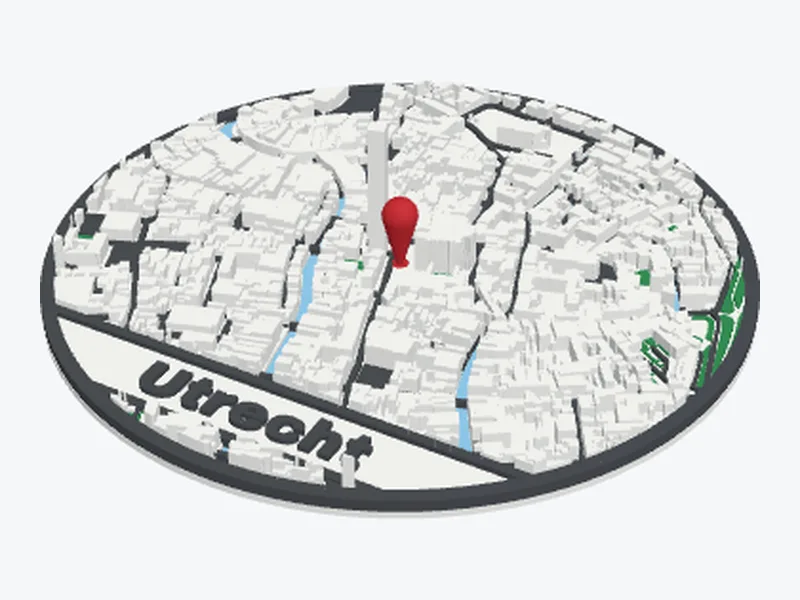
Your town as a 3D map
Find any place, choose how much of it you want and print its buildings, streets, water and parks. Put a pin on your home and add a name.
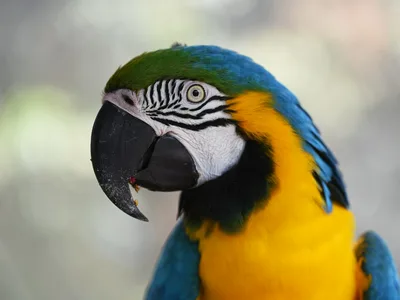
Make your mapMake it with your own photo
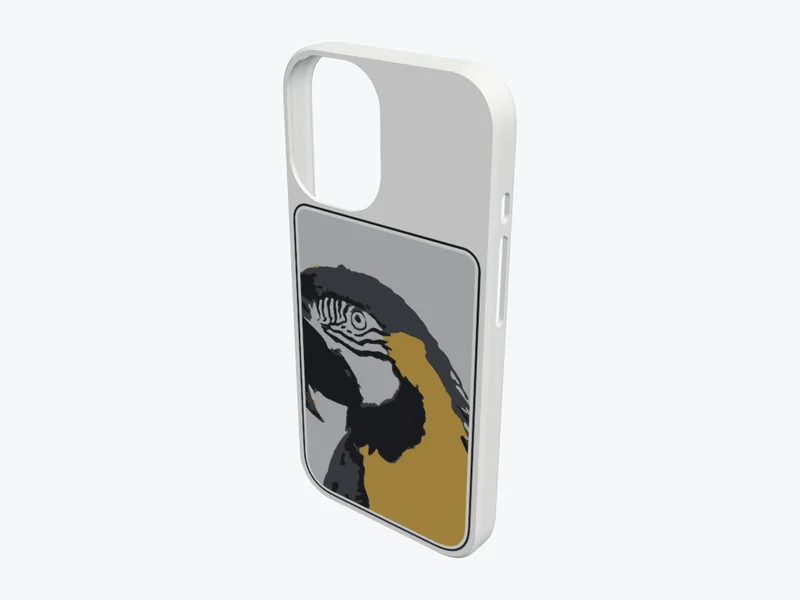
Phone case
Your photo and text on the back of an iPhone case, from the 12 mini to the 18 Pro Max: as a relief or in up to six colours.
Design your case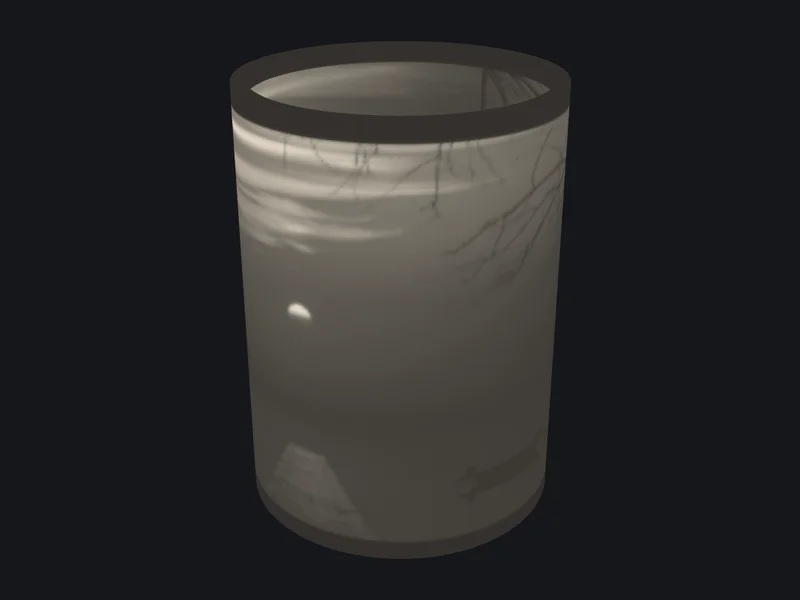

Lamp shade
A round lamp shade with your photo in it, which lights up over an LED tea light.
Design your lamp shade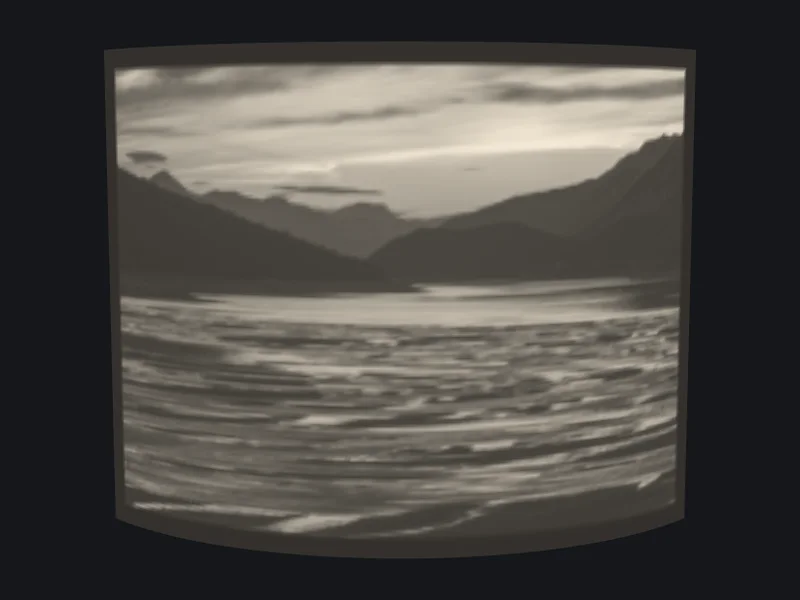

Lithophane
A thin white print that shows your photo as soon as light shines through it. Curved, heart or round.
Design your lithophane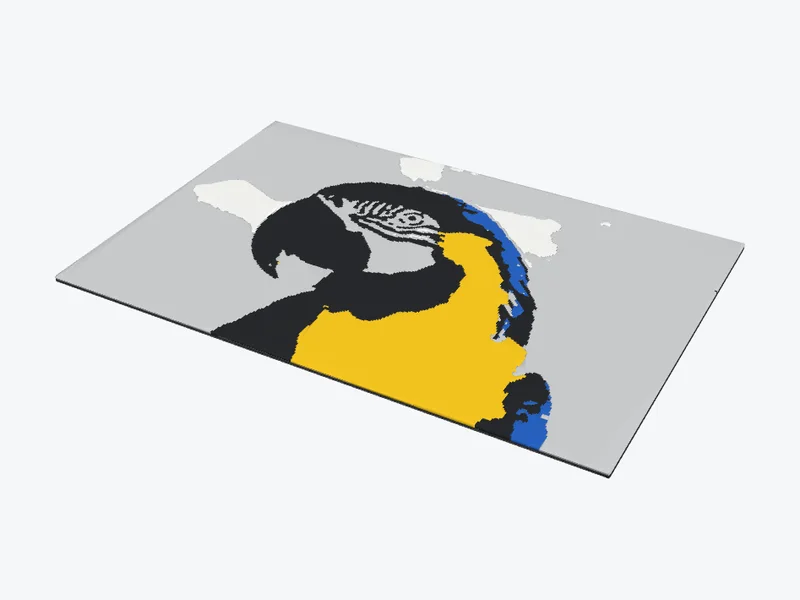
Photo to STL
Any photo as a flat colour print with a few filament swaps, as colour areas for an AMS, or as a 3D relief in one filament.
Turn a photo into an STL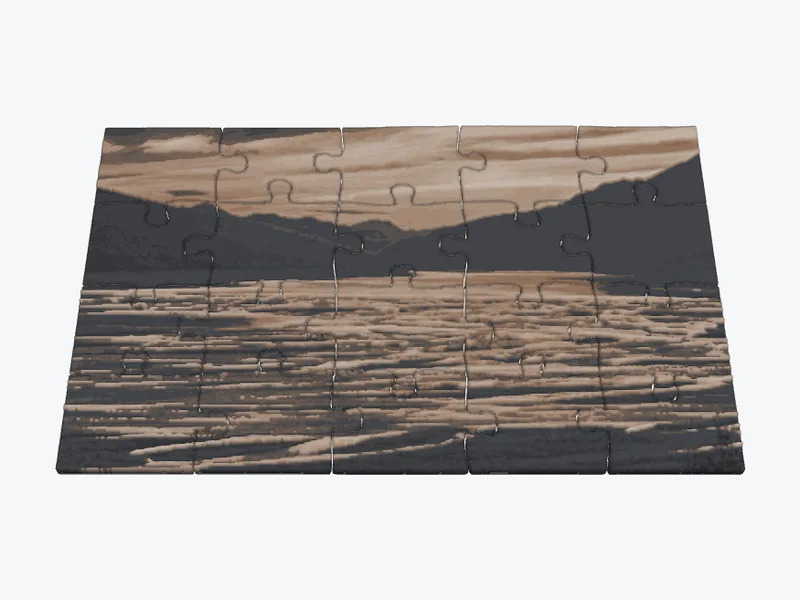
Photo puzzle
A jigsaw puzzle of your photo, from 12 to 70 pieces: in colour, or as a 3D relief you can feel.
Make your puzzle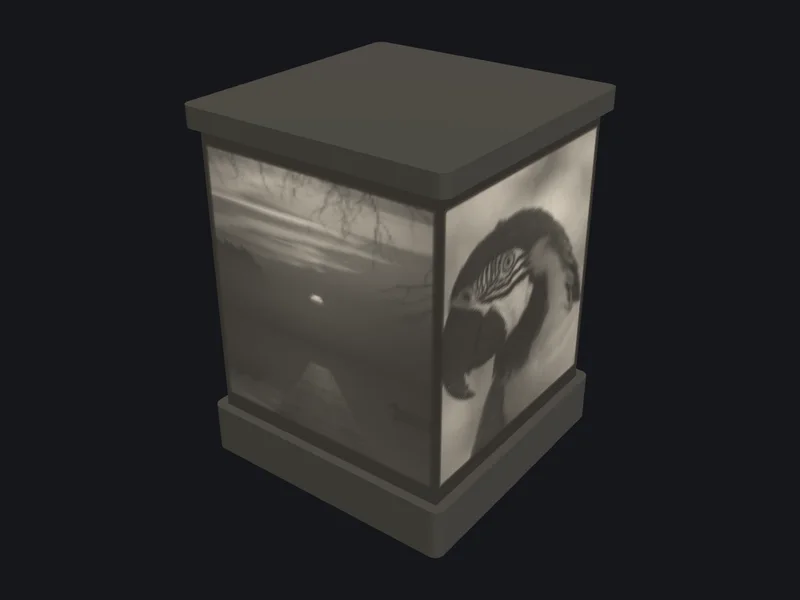
Night light
A little lantern with your photos on every side, which glows with an LED tea light inside.
Make your night light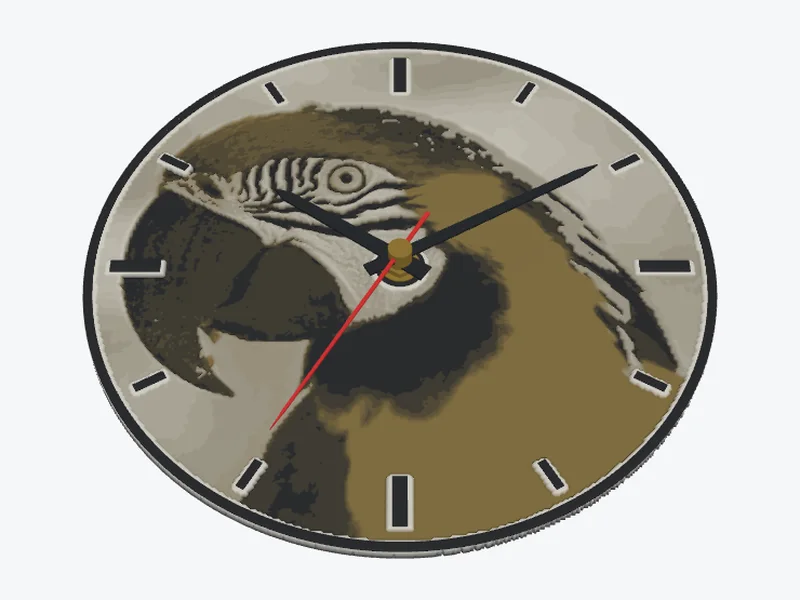
Wall clock
Your photo as a clock face, in colour or as a 3D relief. It fits a standard quartz movement.
Make your clock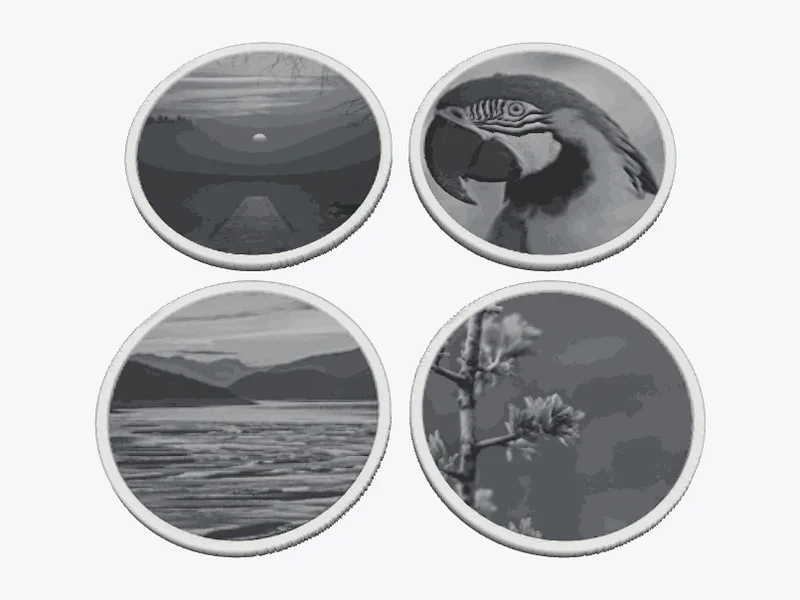

Photo coasters
A set of drink coasters with your photos, a drip rim and a holder for the stack.
Make your coasters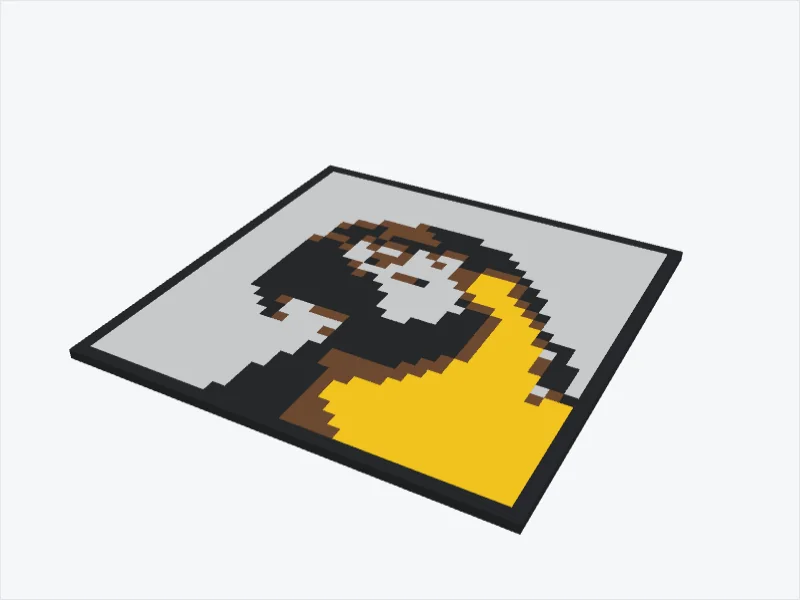
Pixel art
Your photo in big square pixels, in two to eight filament colours. With a frame and a hook or magnets on the back.
Make your pixel art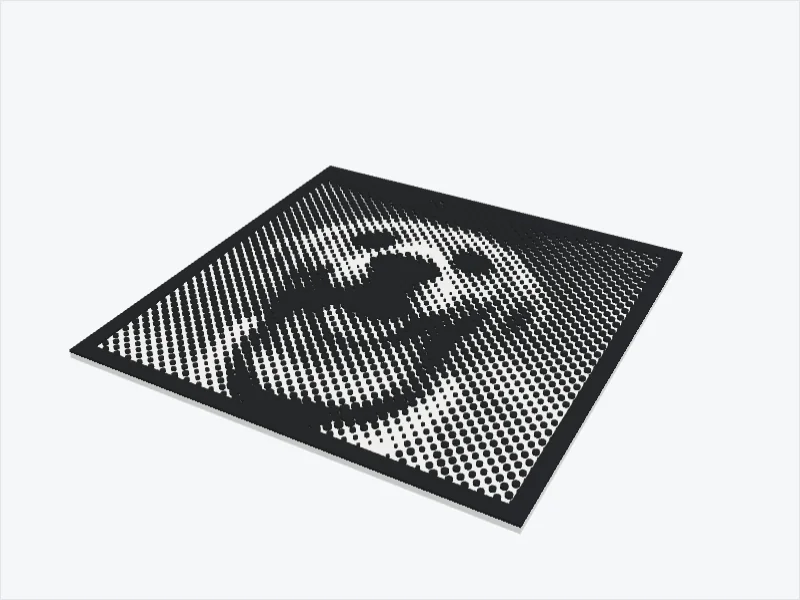

Halftone
Your photo as dots or lines that grow where it is dark, like a newspaper picture. Two colours, or holes for a light box.
Make your halftone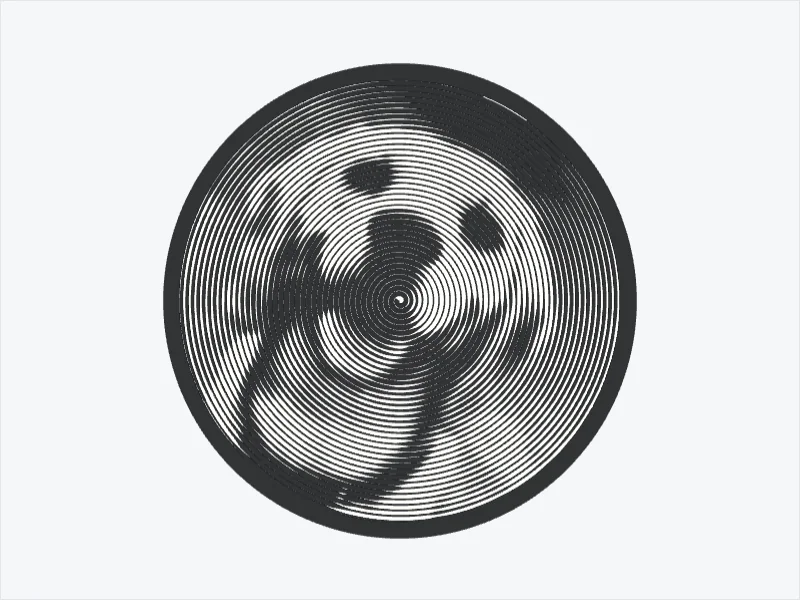
Spiral portrait
One line winds out from the middle and gets thicker where your photo is dark. It needs one filament swap.
Make your spiral
Stencil
The dark parts of your photo cut out of a thin plate, with bridges that hold the loose islands in place. Ready to spray or paint.
Make your stencil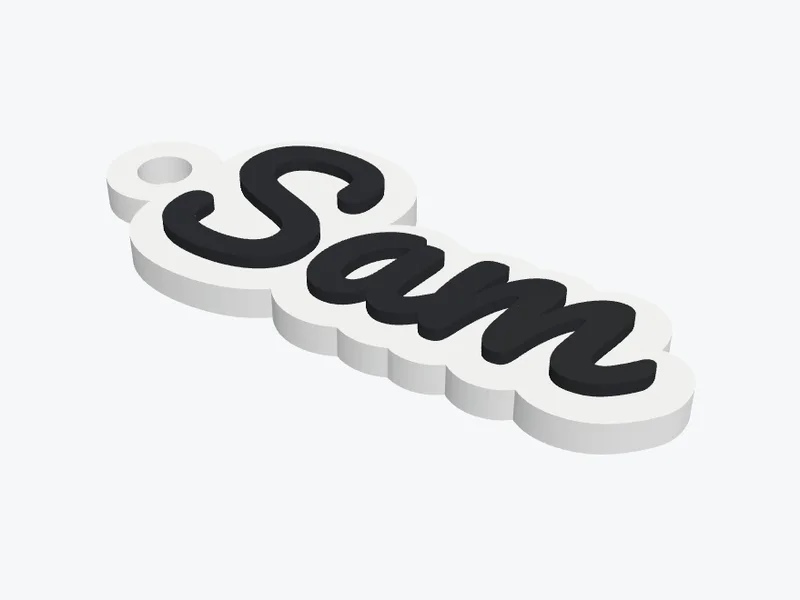 Keychain or name sign Your own text and font
 Cookie cutter From a drawing or a photo, with a stamp for the details
Designed here, printed by you
Desk fans, a self-watering planter, a drawer cabinet, stands and more from the Shapekit workshop. All the STL files, print settings and building steps, free to download.
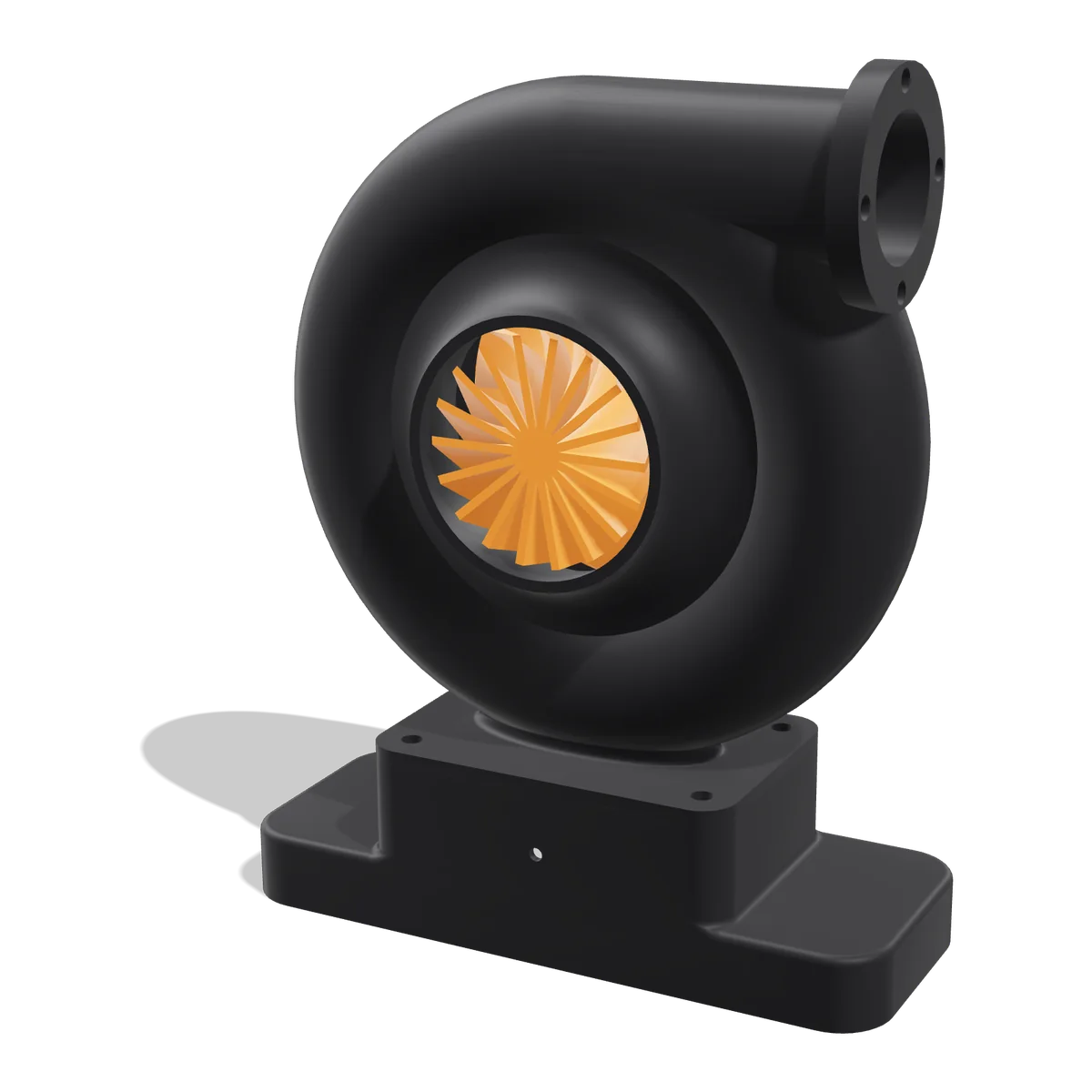
Turbo Desk Fan
A working desk fan shaped like a car turbocharger, with a speed knob in the base.
View and download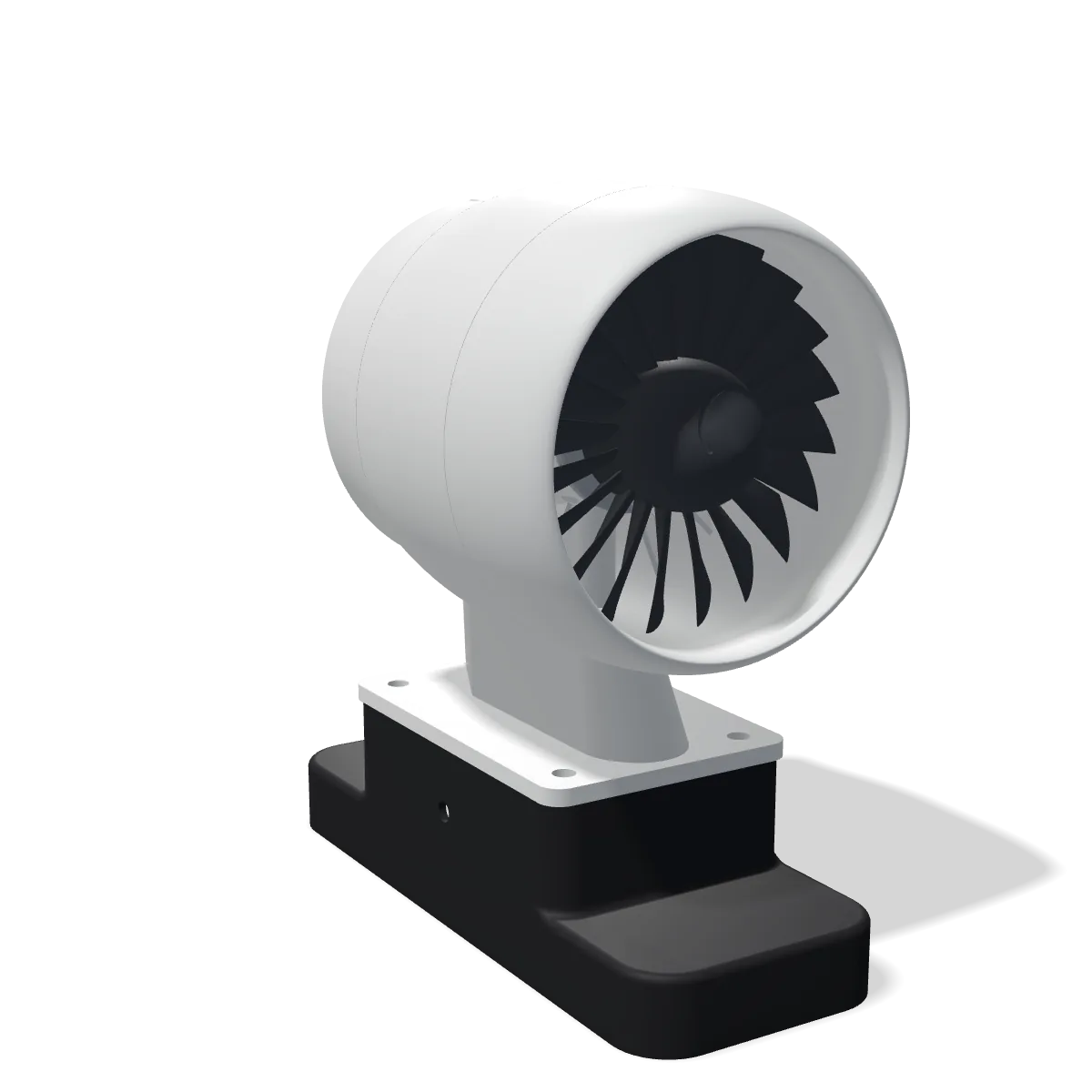
Jet Engine Desk Fan
A turbofan with 20 swept blades. Fits the Turbo Desk Fan's base and prints without supports.
View and download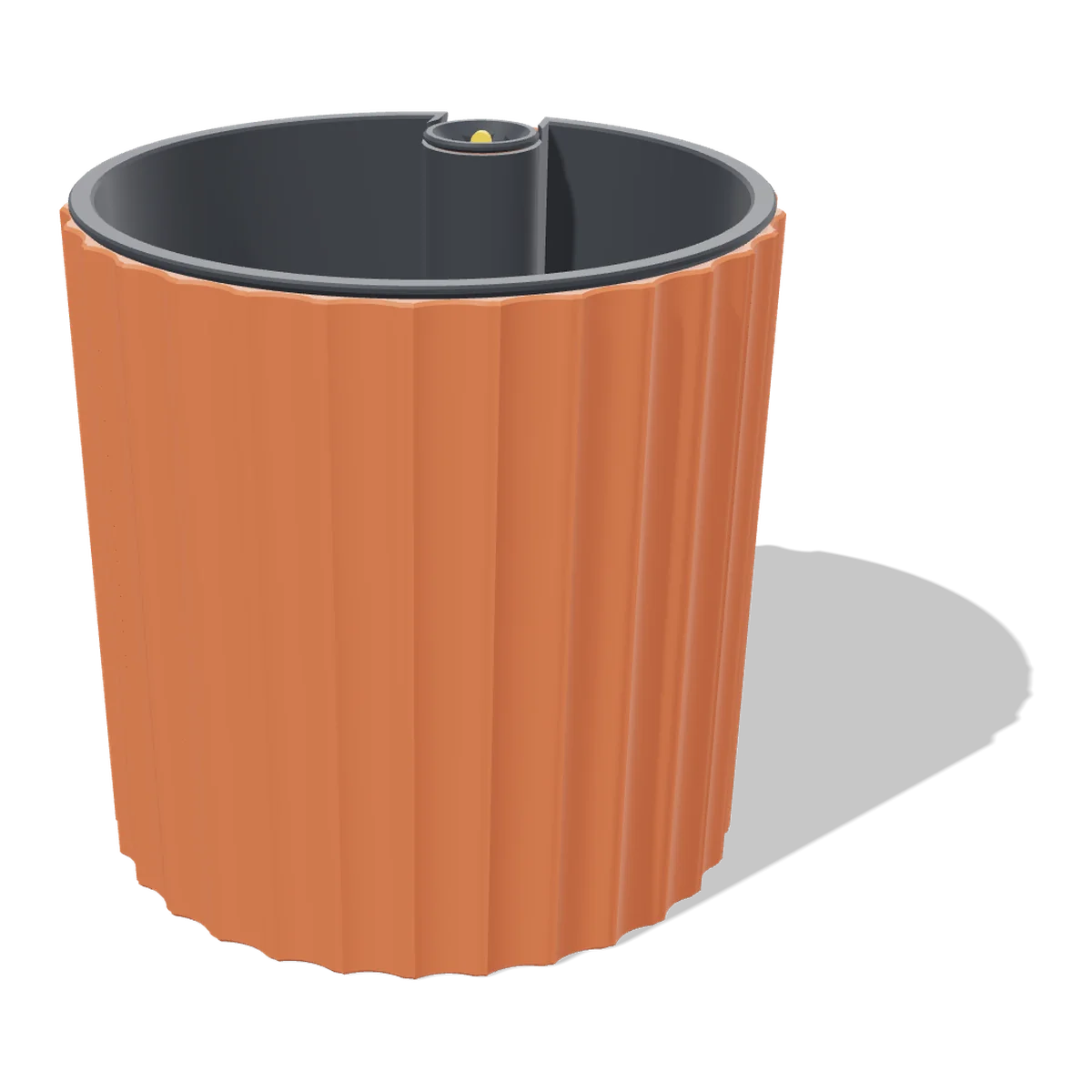
Self-Watering Planter
A fluted planter for a 12 cm plant, with a hidden 0.6 litre reservoir and a float that shows the water level.
View and download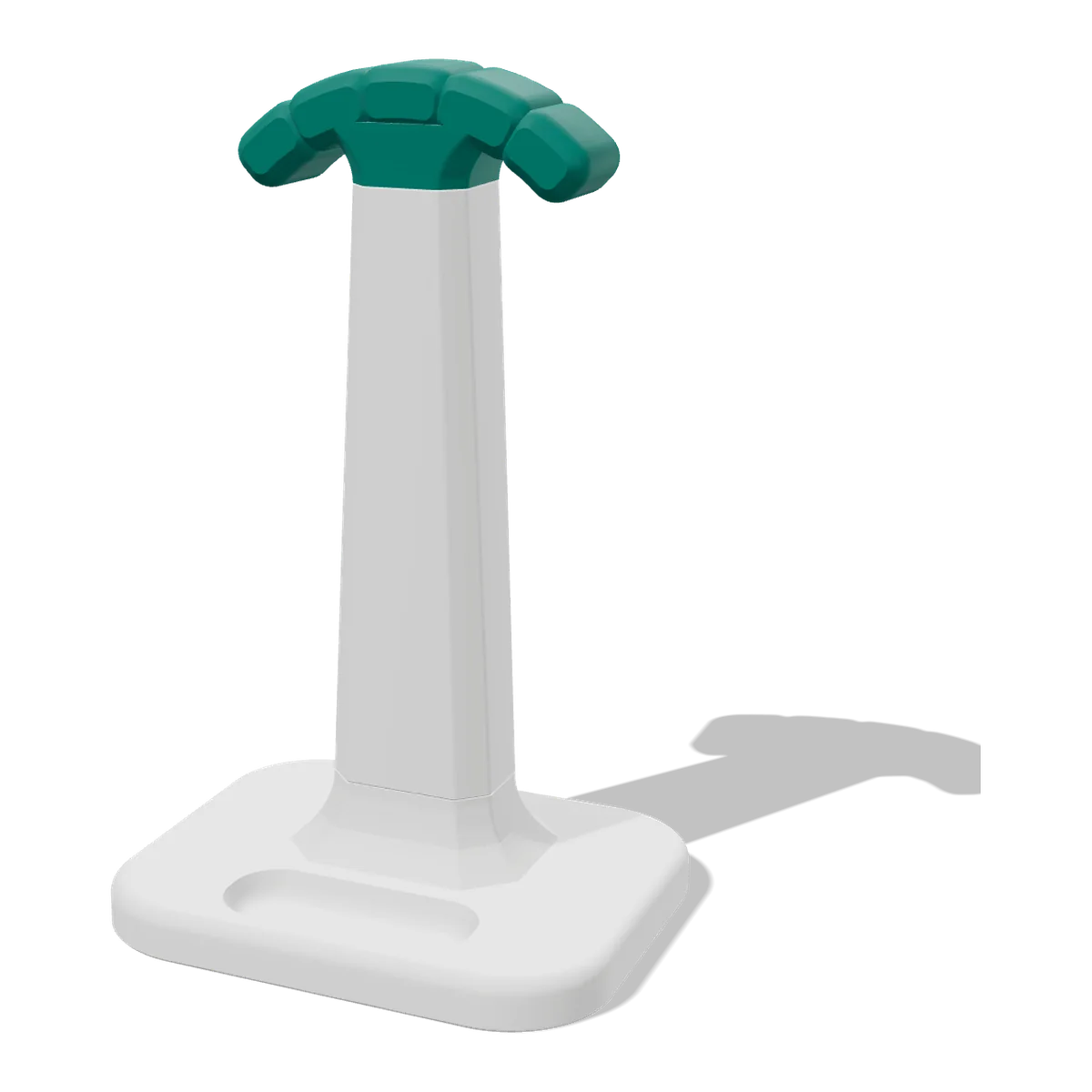
Headphone Stand
A sturdy headphone stand with a bayonet base, a cushioned hanger, an earbud tray and a cable hook.
View and download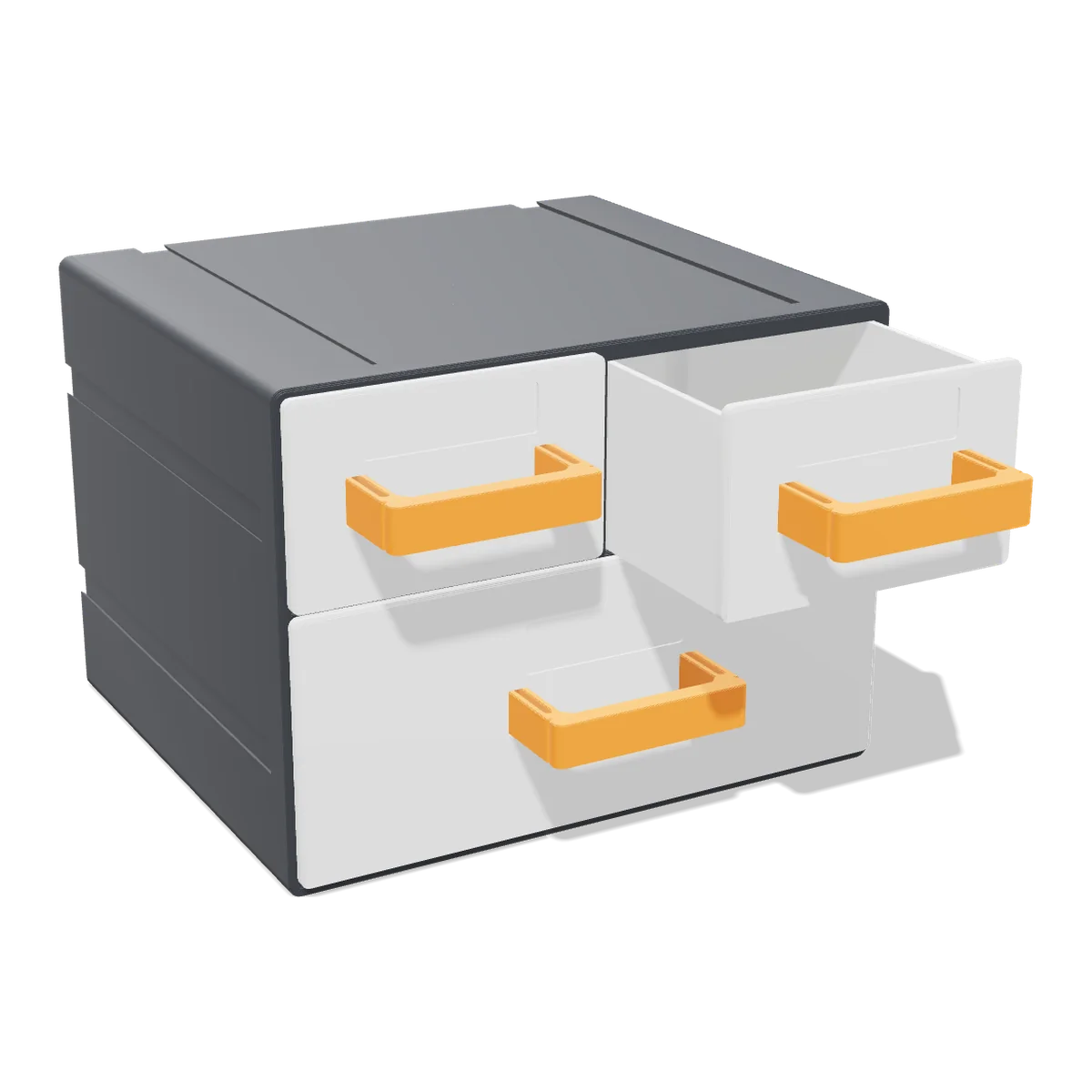
Mini Drawer Cabinet
Two small drawers and a wide one, with drawer stops and clip-on handles. Stack or link as many as you like.
View and download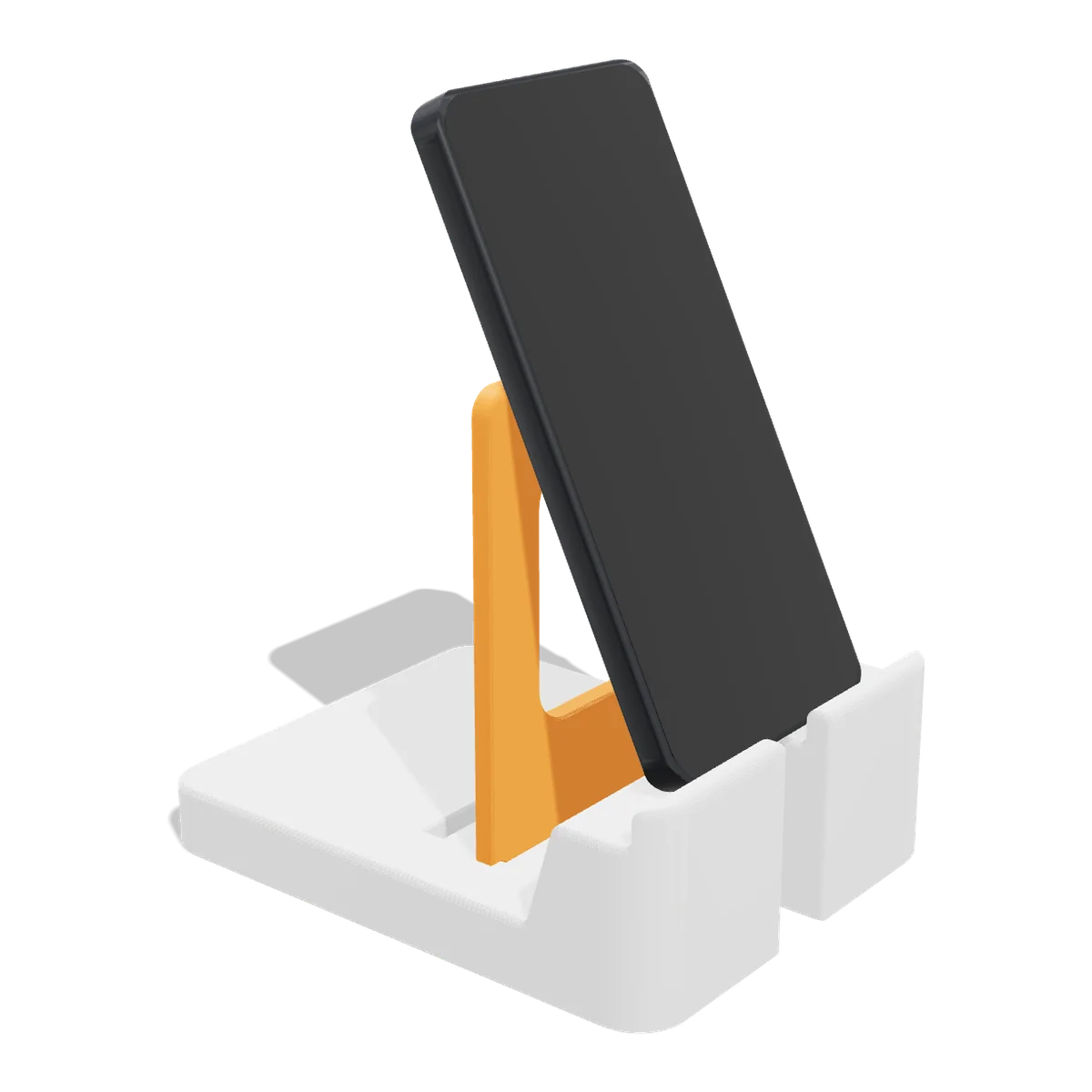
Phone & Tablet Stand
Plug the back in at 55, 65 or 75 degrees. Fits phones and tablets in a case, with a slot for the charging cable.
View and download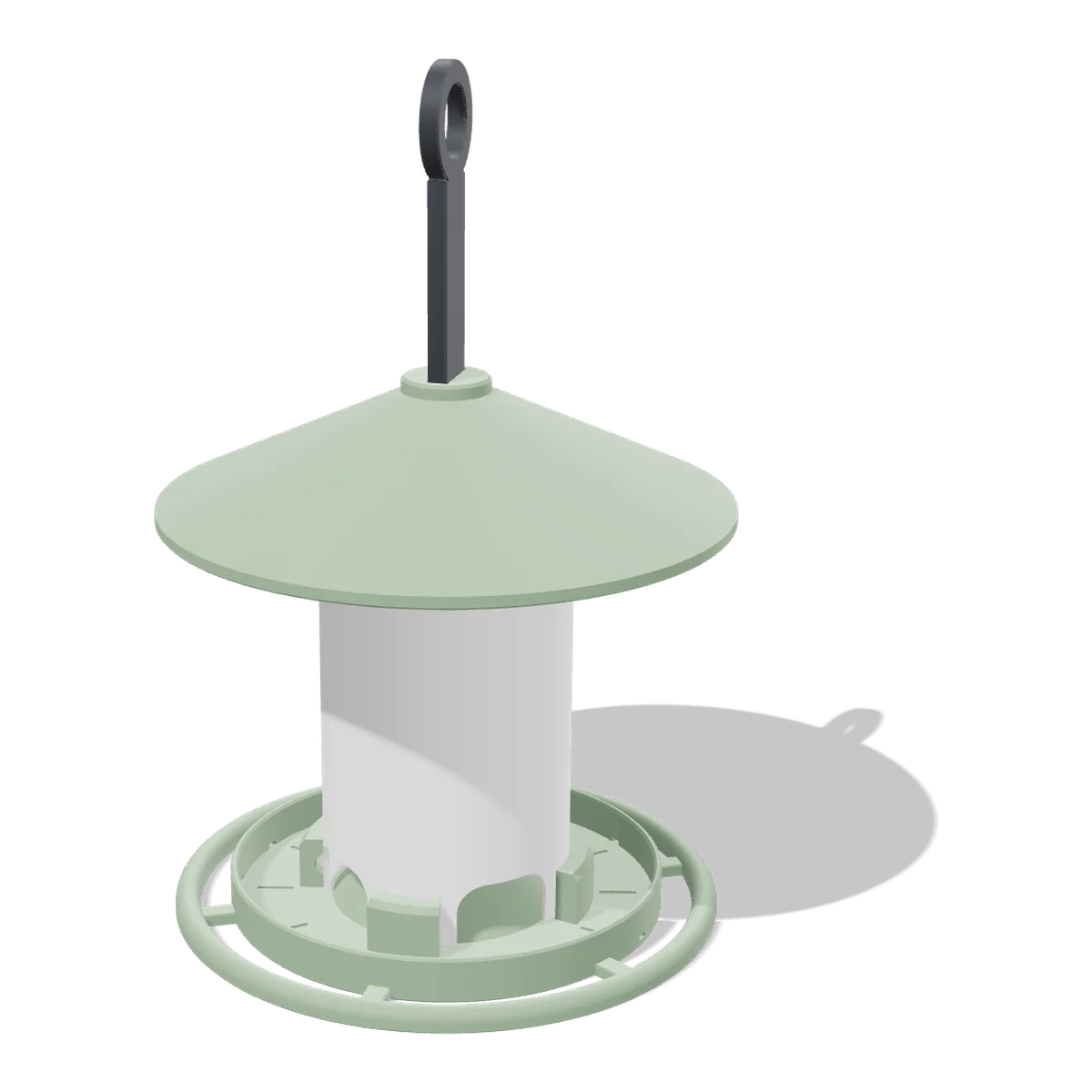
Bird Feeder
A hanging seed feeder with a twist-lock tube, a perch ring and a roof that slides up to refill.
View and download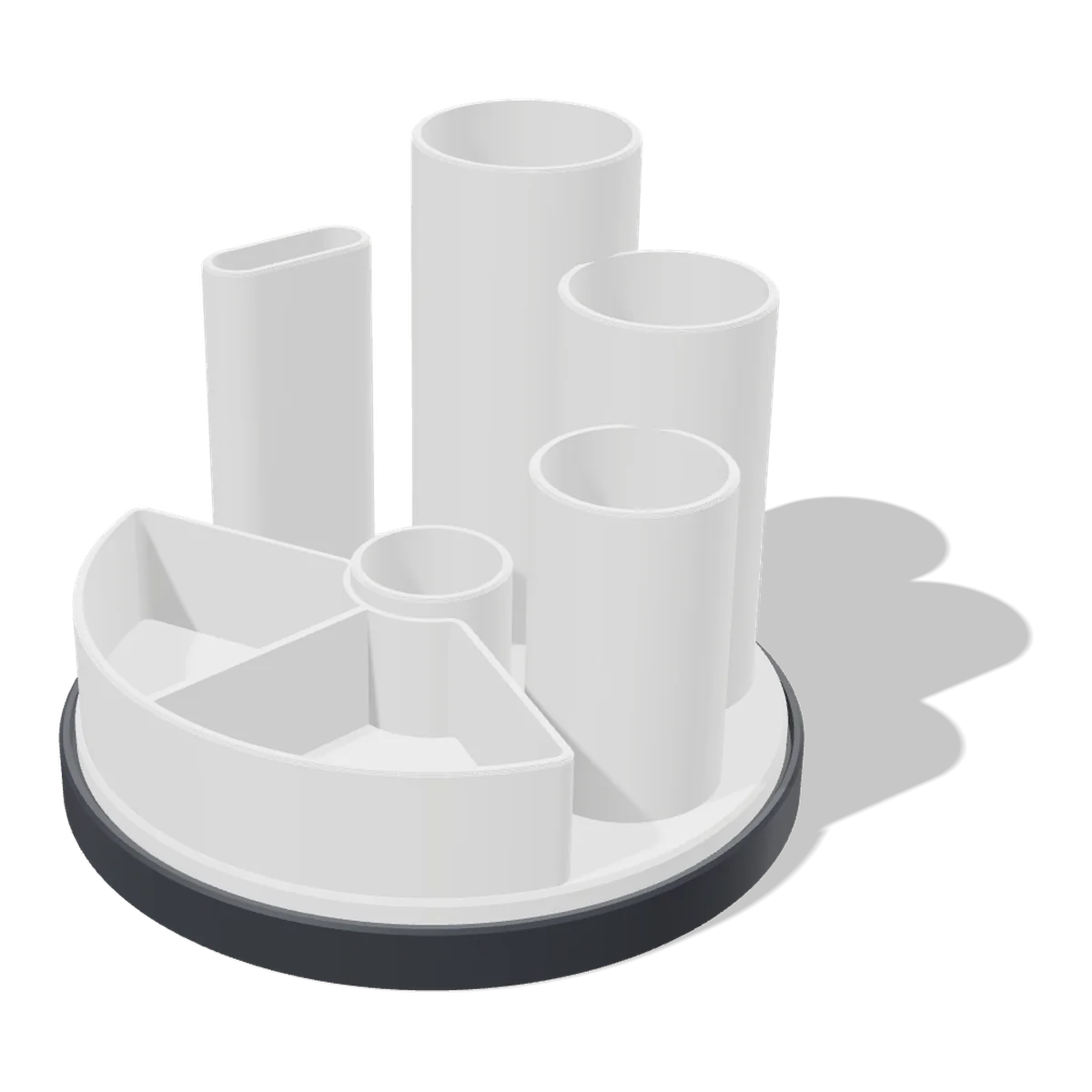
Rotating Desk Organizer
Pen cups, a scissor slot and a tray on a base that spins smoothly on 6 mm airsoft BBs.
View and download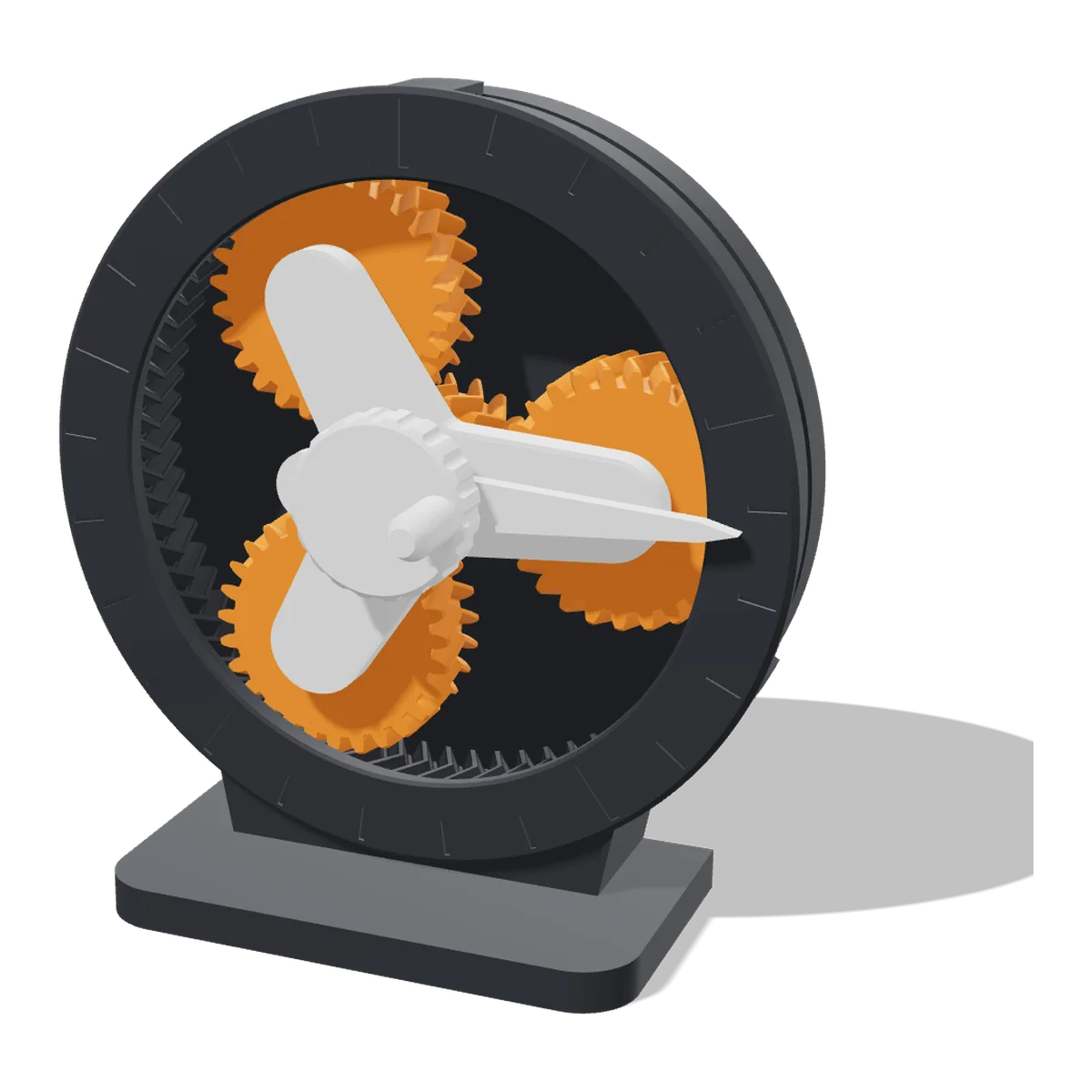
Planetary Gear Desk Toy
A hand-cranked 5:1 planetary gearbox with herringbone teeth. Clicks together and prints without supports.
View and download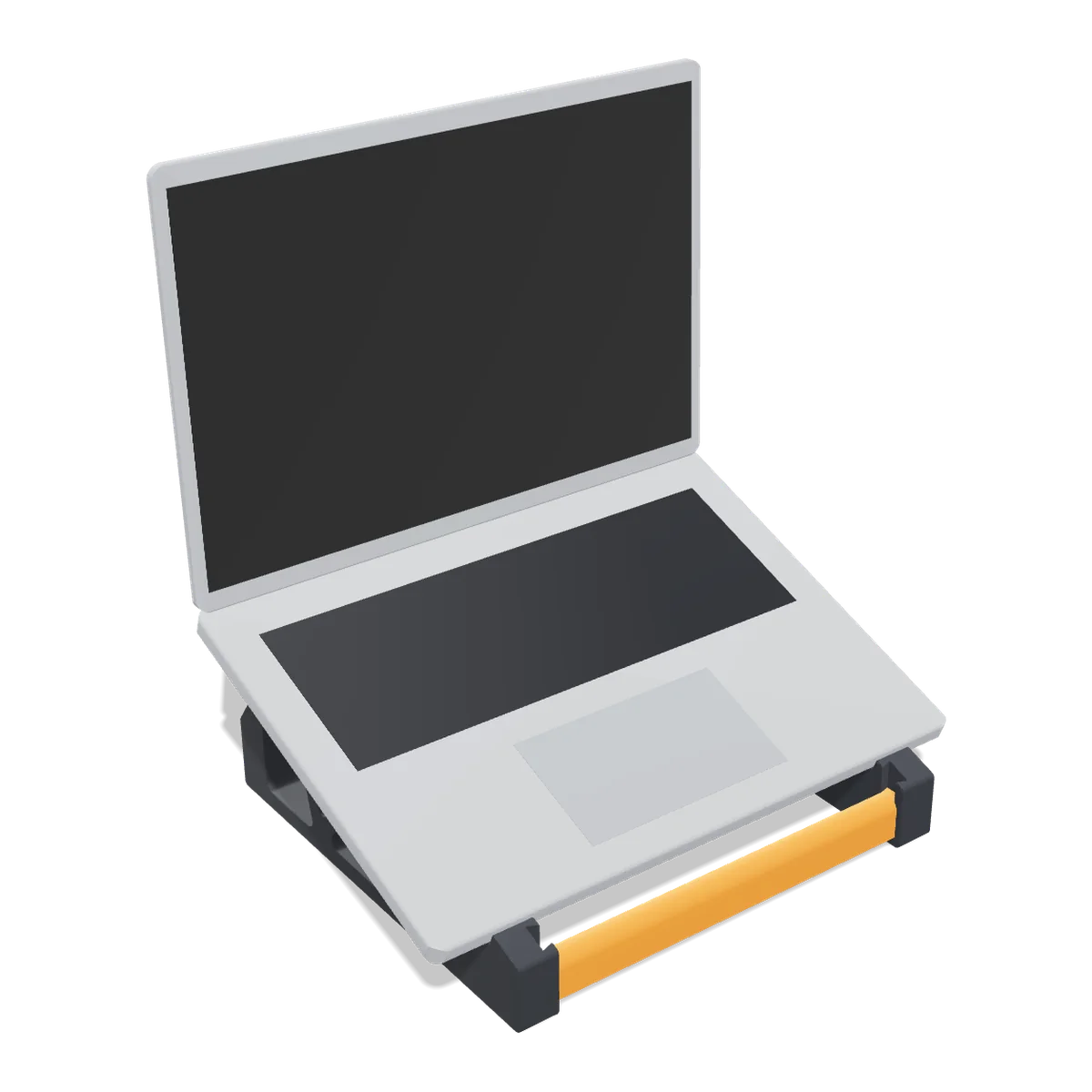
Laptop Stand
Lifts your screen about 12 cm at a 20° tilt. Fits 11 to 16 inch laptops; the cross bars wedge in, no screws.
View and download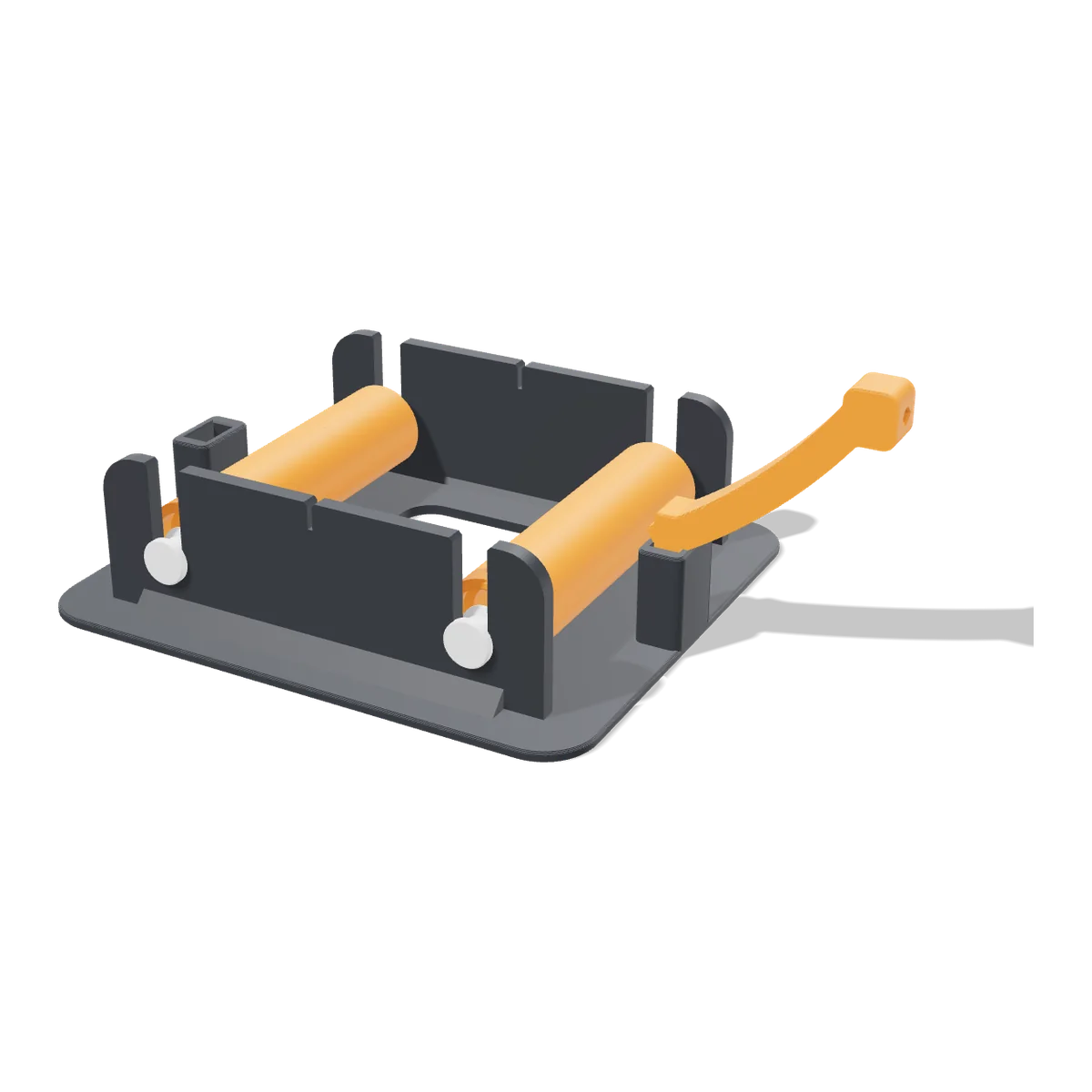
Filament Spool Holder
Rolls any spool from 250 g to 3 kg on four 608 skate bearings, with a filament guide. Any hub size.
View and download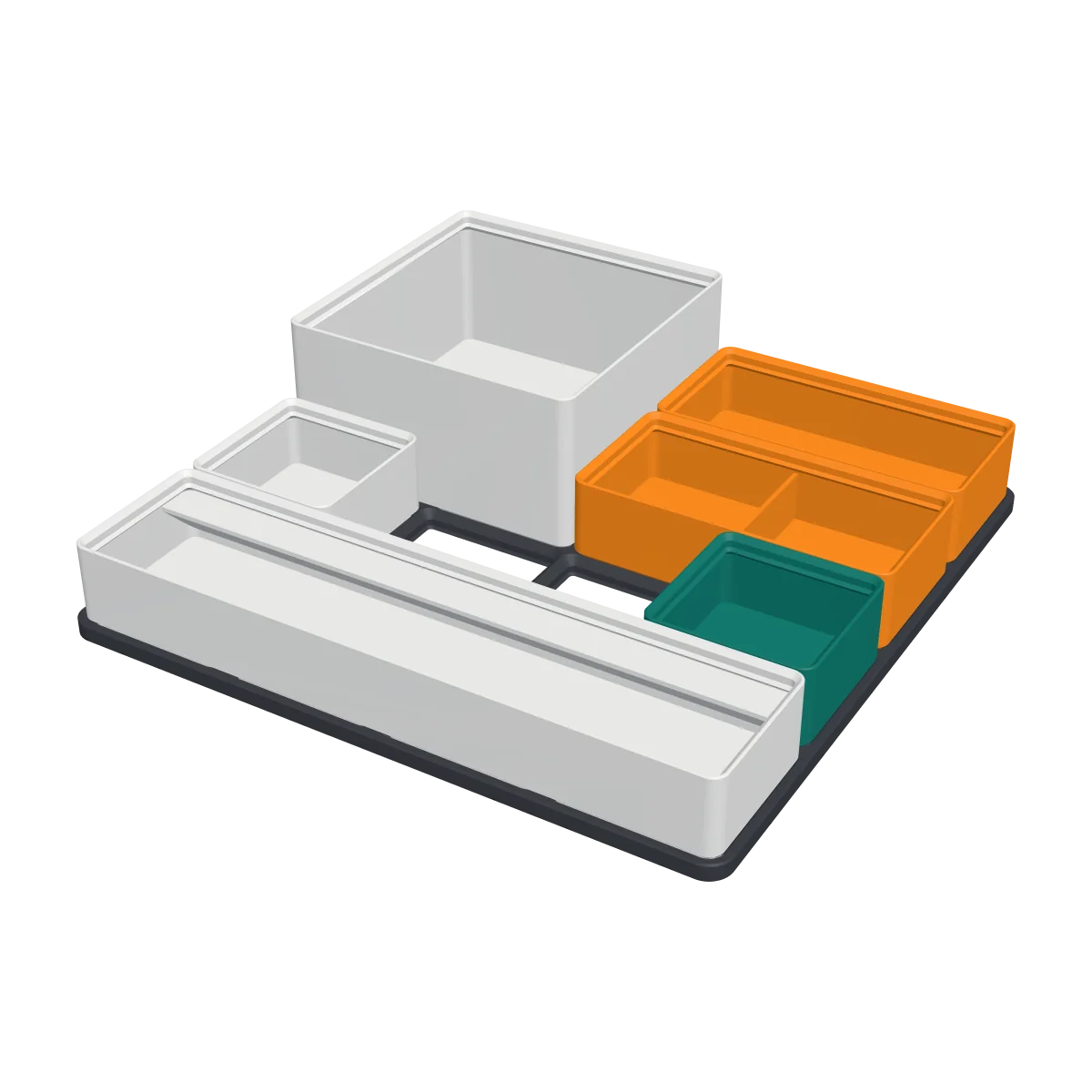
Gridfinity Starter Set
A 4 × 4 baseplate with eight stackable bins that fill it. Gridfinity-compatible, no supports.
View and download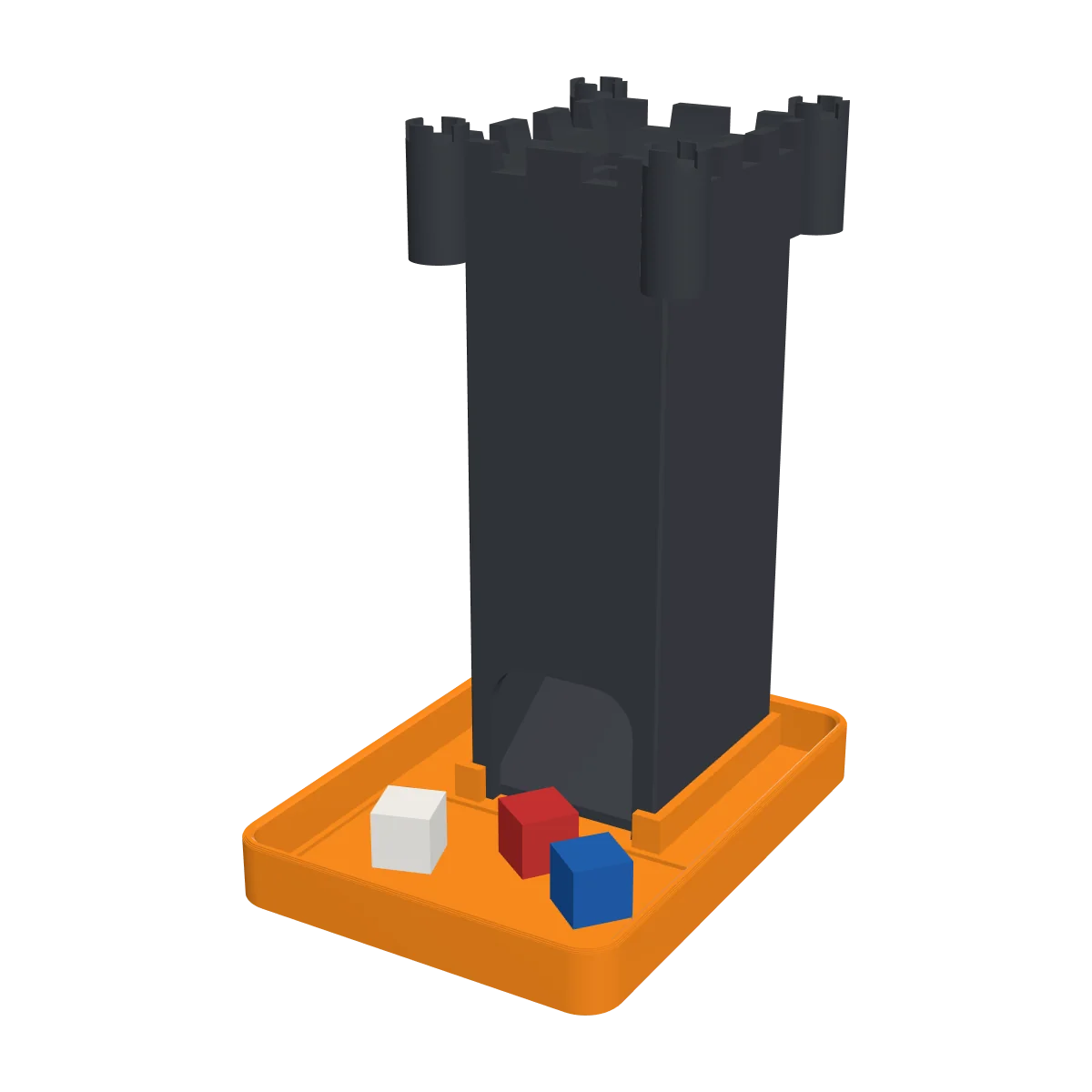
Dice Tower
Two baffles and an exit ramp tumble your dice into a tray with a felt recess. No glue, no supports.
View and download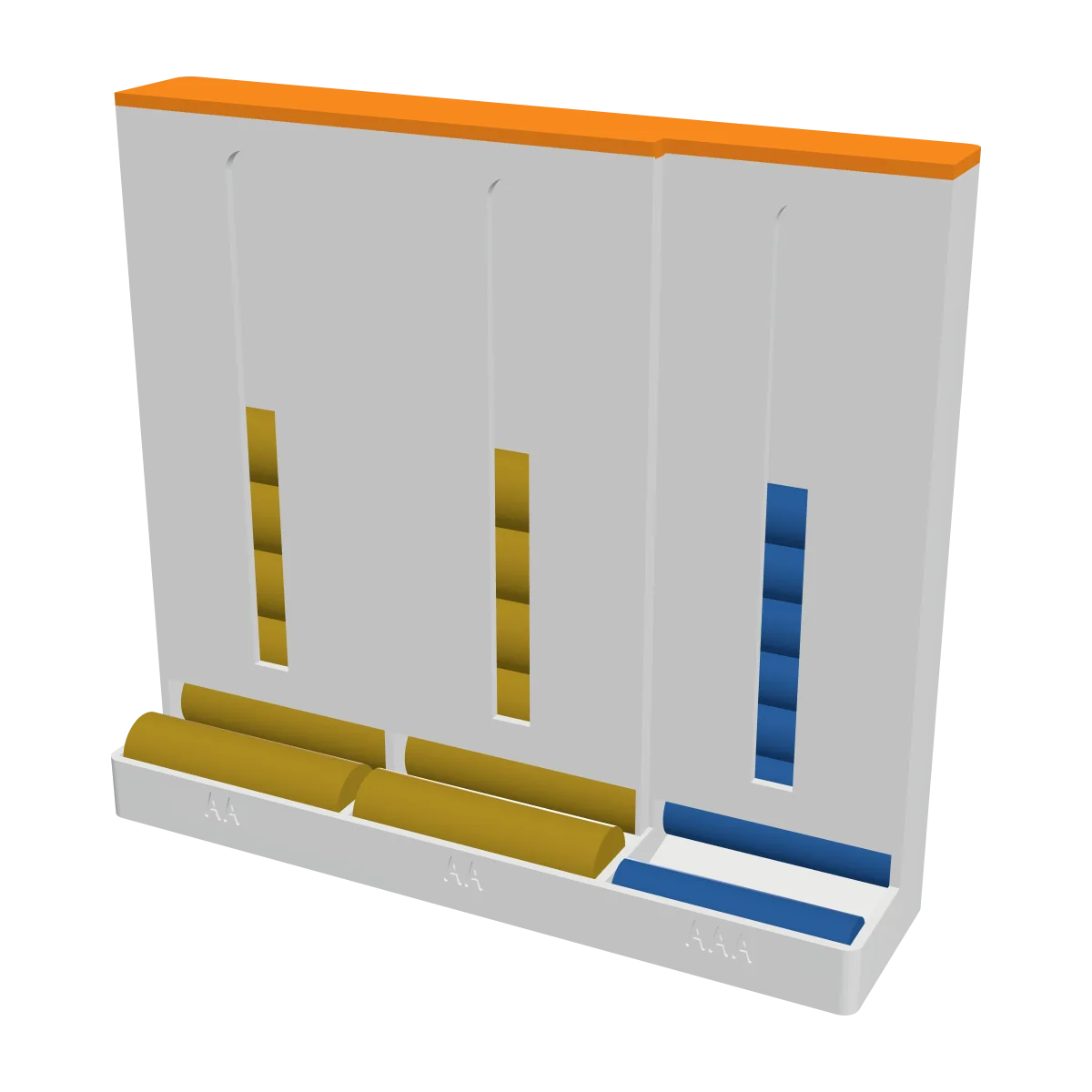
Battery Dispenser
Two AA chutes and one AAA chute. The bottom battery rolls onto a tray, the next drops down.
View and download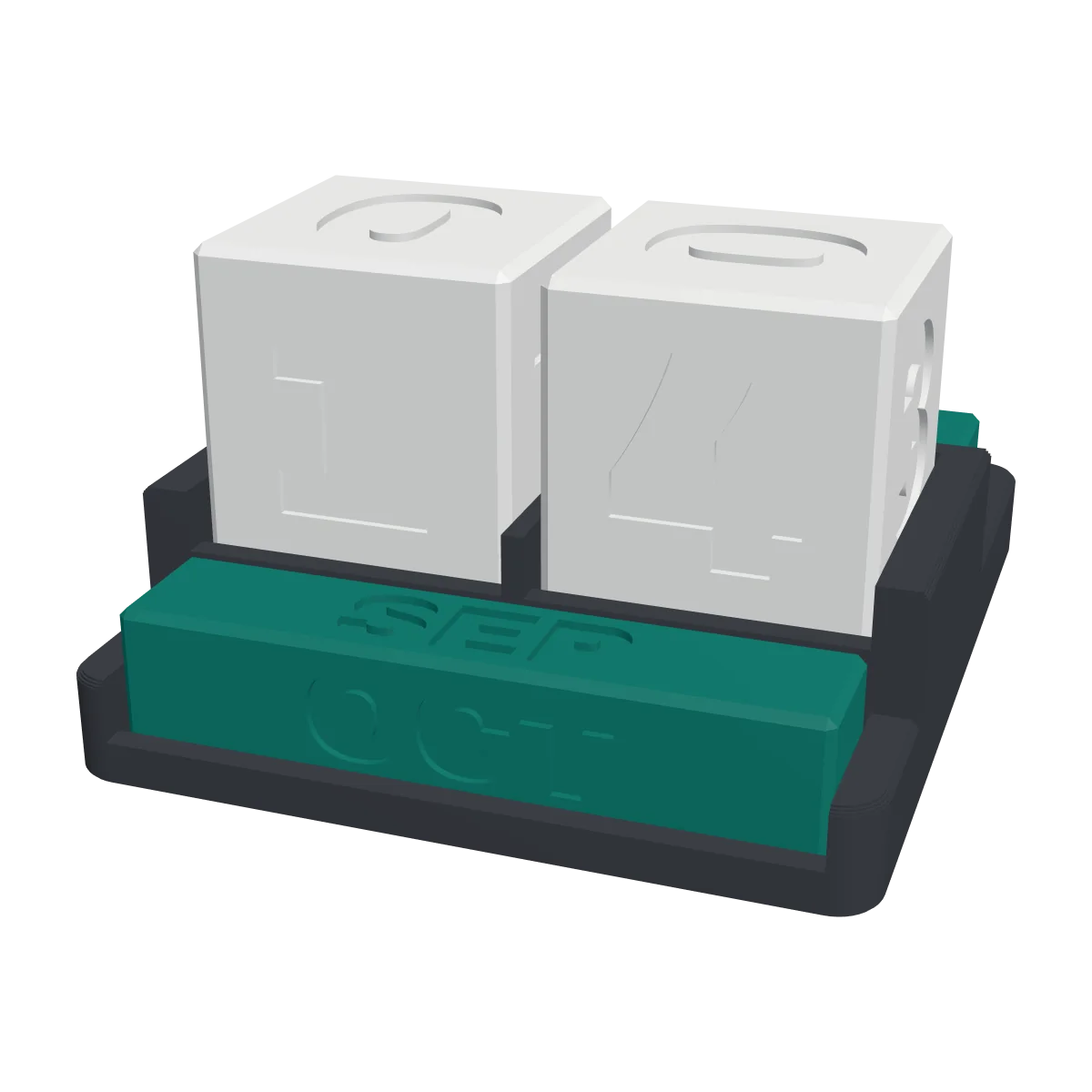
Cube Desk Calendar
Two number cubes show every date, three bars show the month. With a stand that hides the spare bars.
View and downloadDesign, download, print
Design
Pick a maker, add your photo and adjust it. The 3D preview shows what you will print.
Download
You get an STL or 3MF file, made in your browser and already the right way up.
Any FDM printer with PLA will do. Each maker lists its settings and when to change filament.
Good to know
Does it cost anything?
No. Designing and downloading are free, and you don't need an account.
What happens to my photos?
Nothing leaves your device. Your photo is turned into a 3D model right in your browser, and we never upload or store it.
Which phones do you have cases for?
Every iPhone from the iPhone 12 mini to the iPhone 18 Pro Max: the mini, Plus, Pro, Pro Max, e and Air models too, and the iPhone SE (2nd and 3rd generation). The sizes come from Apple's official drawings. Choose your model carefully: a case only fits that exact phone.
Can I sell prints of the free models?
The free models are for personal use (CC BY-NC 4.0): print them, change them and share them with credit to Shapekit, but please don't sell the files or the prints.
How do I print in colour on a single-colour printer?
Choose filament swaps in the maker. It tells you at which layers to add a pause (filament change) in your slicer. When the printer pauses, swap the filament and resume. With a multi-colour printer (such as a Bambu AMS or Prusa MMU) you choose multi-colour printer instead: you get one STL per colour and your slicer prints them in one go.
Can I turn any photo into an STL?
Yes, with Photo to STL. Choose a shape, size and up to eight filaments. On any printer the photo is built up from thin layers that you swap a few times (we tell you at which layers); on a multi-colour printer you get one STL per colour. With one filament it becomes a 3D relief.
What is a 3D relief?
A print in one filament where your photo has real depth, like a carving: what is near in the photo stands out, what is far away stays flat. It works in Photo to STL, the photo puzzle and the wall clock. The depth is worked out by a small AI model that runs in your browser, so your photo still never leaves your device.
Which photo works best?
A sharp photo with clear contrast and a calm background, like a portrait. Tiny details and very dark photos come out less well. The preview shows you how it will look.